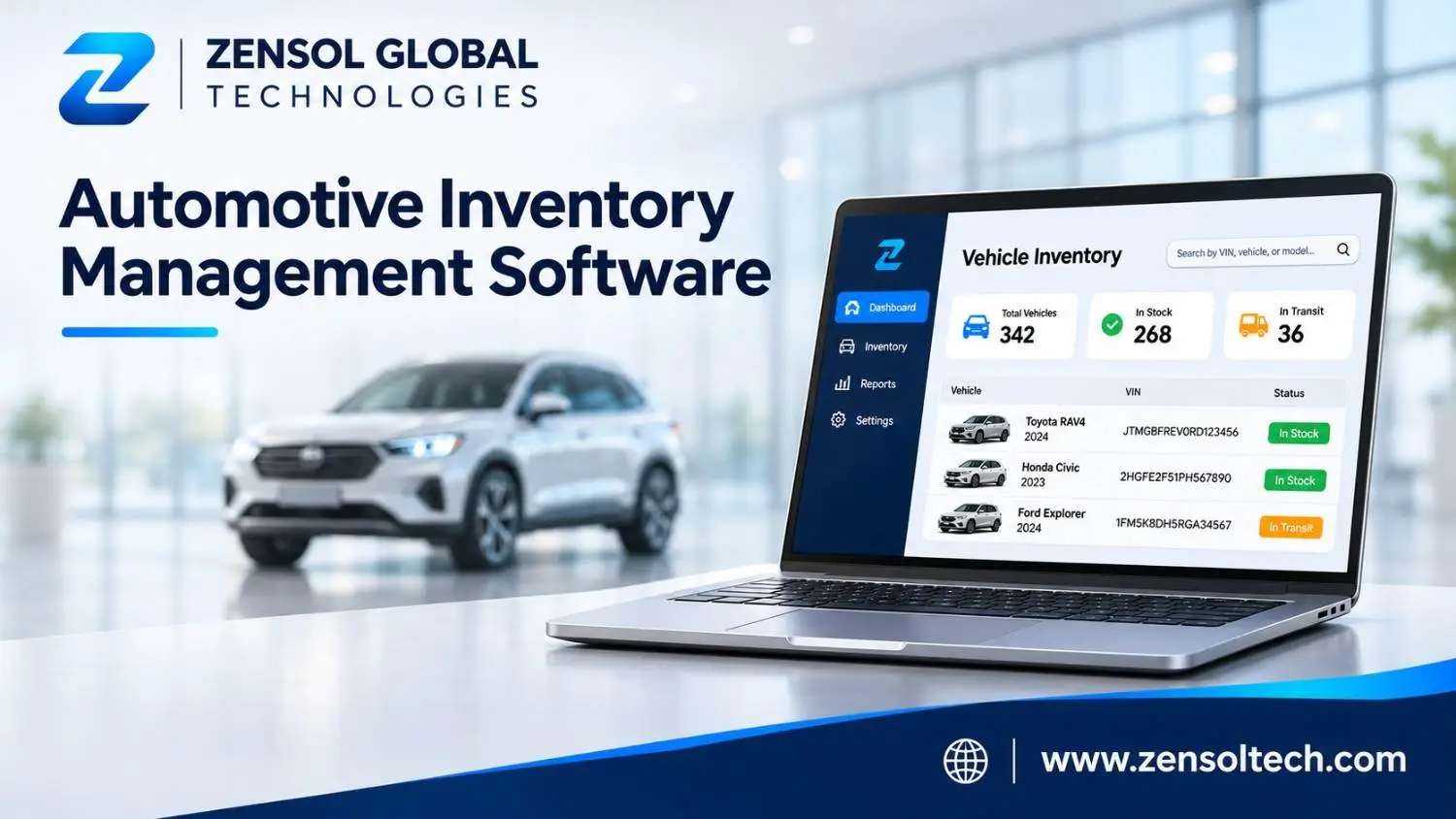
Managing vehicle inventory involves much more than recording how many cars a dealership owns. Every vehicle has its own identification details, acquisition cost, condition, location, preparation requirements, and sales status. When this information is scattered across spreadsheets and disconnected applications, employees can struggle to identify available stock, monitor expenses, and keep vehicle listings accurate.
Automotive Inventory Management Software helps dealerships organize these activities through a centralized system. It allows teams to track individual vehicles, monitor stock movement, manage vehicle information, and review inventory performance. For independent dealers and multi-location automotive businesses, the right system can simplify daily operations and provide better information for purchasing and sales decisions.
What Is Automotive Inventory Management Software?
Automotive inventory management software is a digital platform that helps dealerships record, organize, track, and manage vehicles throughout their inventory lifecycle. It brings essential vehicle information together so employees can check availability, review specifications, monitor costs, update stock status, and coordinate sales activities.
Unlike a basic spreadsheet, a dedicated automotive inventory management system can connect vehicle records with acquisition, inspection, reconditioning, pricing, merchandising, and reporting workflows.
A typical vehicle record may include:
- Vehicle identification number (VIN), stock number, make, model, year, and trim.
- Mileage, specifications, condition, and photographs.
- Purchase price, acquisition expenses, and reconditioning costs.
- Acquisition date, current location, and inventory status.
- Inspection, preparation, and listing information.
- Asking price, sales status, and transaction history.
Maintaining an organized record for each vehicle helps employees understand what is in stock, where it is located, what it costs, and whether it is ready for sale.
How Does Automotive Inventory Management Software Work?
An inventory platform follows each vehicle from acquisition to sale. Although dealership workflows differ, the process generally involves five connected stages.
1. Vehicle acquisition and registration: When a dealership purchases a vehicle, employees create an inventory record using its VIN or stock number. They enter identification details, mileage, specifications, acquisition date, and purchase price. Accurate initial records help prevent duplicate entries and missing information.
2. Inspection and reconditioning: Vehicles may require inspections, mechanical repairs, cleaning, or detailing before they can be marketed. Employees update preparation statuses and record relevant expenses so managers can monitor progress and total investment.
3. Inventory and location tracking: The system records whether a vehicle is being prepared, available, reserved, transferred, or sold. For dealerships with multiple branches, location information helps employees identify where each vehicle is physically held.
4. Pricing and merchandising: Once a vehicle is ready for sale, staff can maintain its asking price, specifications, photographs, and description. Supported integrations can distribute this information to connected dealership websites and other sales channels.
5. Sales and reporting: When a vehicle is sold, its inventory status is updated. Managers can review acquisition costs, stock levels, vehicle age, and sales activity to understand inventory performance.
For example, a dealership acquiring several used vehicles can register them immediately, assign inspection tasks, record repair expenses, and mark each unit as ready for listing after preparation. Sales employees can then distinguish genuinely available vehicles from units that are reserved or still undergoing work.
Key Features of Automotive Inventory Management Software
The usefulness of dealership inventory software depends on how effectively its features support everyday operational requirements.
1. Centralized Vehicle Inventory Database
A centralized vehicle database stores essential information in individual records. Employees can search by VIN, stock number, make, model, or other identifying details instead of checking multiple spreadsheets.
It should also help maintain consistent specifications, mileage, photographs, acquisition details, and vehicle history. Record validation and duplicate detection are particularly important when inventory information comes from different sources.
2. VIN-Based Tracking and Stock Updates
VIN-based tracking helps dealerships identify individual vehicles and associate them with the correct specifications and acquisition records. It also makes it easier to locate a particular vehicle and review its inventory history.
Authorized employees can update vehicle statuses as units move between departments. This helps distinguish available stock from vehicles undergoing reconditioning, reserved units, and completed sales. Updates can be reflected across connected systems according to their integration and synchronization capabilities.
3. Vehicle Acquisition and Cost Management
Dealerships need visibility into the complete investment associated with each vehicle, not just its purchase price.
Inventory software can organize acquisition costs alongside transportation, inspection, repairs, and reconditioning expenses. Managers can review these figures when evaluating asking prices, potential margins, and future purchasing decisions.
4. Inventory Aging and Days-in-Stock Monitoring
Inventory aging measures how long a vehicle has remained in dealership stock. Software can calculate days in inventory using its acquisition date and organize vehicles into configurable aging categories.
For example, managers might review vehicles held for 30, 60, or 90 days or longer. Older inventory can trigger a pricing review, additional merchandising attention, or an evaluation of whether the vehicle should remain in stock.
This helps dealerships identify slow-moving vehicles and review stock before additional capital remains tied up unnecessarily.
5. Vehicle Merchandising and Listing Management
A vehicle needs accurate information and a complete presentation before it can be marketed effectively.
Merchandising capabilities help employees organize photographs, specifications, descriptions, mileage, and asking prices. Supported integrations may distribute vehicle information to dealership websites and connected sales channels.
Keeping records synchronized helps reduce discrepancies, such as a sold vehicle remaining advertised as available or an outdated price appearing on a listing.
6. Multi-Location Inventory Visibility
Dealership groups operating multiple branches need a consistent view of stock across locations.
Multi-location inventory management allows authorized users to review vehicle availability, identify where units are held, and coordinate transfers between branches. Consolidated reporting also helps management compare inventory levels and performance across individual locations.
7. Automated Alerts and Notifications
Automated notifications can remind employees about incomplete vehicle records, pending preparation tasks, aging inventory, and required status updates.
These alerts help teams follow up on important activities without relying entirely on manual checks. Their usefulness depends on relevant notification rules and properly maintained inventory records.
8. Inventory Reporting and System Integrations
Reporting tools organize stock levels, vehicle age, acquisition expenses, sales activity, and inventory movement. Managers can use this information to identify slow-moving vehicles, review preparation costs, and investigate inventory discrepancies.
Inventory platforms may also connect with dealer management systems (DMS), customer relationship management (CRM) platforms, accounting applications, and dealership websites.
For example, a vehicle's updated price or availability can be shared with connected sales systems. The information exchanged depends on available integrations, synchronization rules, and system configuration.
Benefits of Automotive Inventory Management Software
A well-implemented inventory system can improve dealership operations in several ways.
- Better inventory visibility: Centralized records help employees identify available vehicles, current locations, and preparation status.
- Improved stock accuracy: VIN-based records and consistent updates help reduce duplicate entries and inventory discrepancies.
- Reduced administrative work: Structured information and automated workflows reduce repetitive spreadsheet maintenance and manual data entry.
- Better purchasing decisions: Acquisition costs, inventory age, and sales history give managers useful information when evaluating future purchases.
- Improved inventory control: Aging reports help identify vehicles that may require pricing adjustments or additional sales attention.
- Stronger team coordination: Purchasing, service, and sales employees can work with shared vehicle information.
- More informed management decisions: Organized reports help managers review stock movement, expenses, and sales activity.
These benefits depend on accurate records, employee adoption, suitable workflows, and appropriate software configuration. Technology supports inventory management but does not replace sound purchasing and pricing decisions.
How to Choose the Right Automotive Inventory Management Software
The right solution depends on dealership size, inventory volume, existing applications, and operational requirements. Consider these factors before selecting a platform:
- Business requirements: Identify the number of vehicles, branches, users, and inventory activities the system must support.
- Essential features: Prioritize VIN records, stock tracking, acquisition costs, inventory aging, merchandising, and reporting.
- Ease of use: Employees should be able to enter vehicles, update statuses, and retrieve information without complicated procedures.
- Integration capabilities: Confirm compatibility with existing DMS, CRM, accounting applications, and dealership websites.
- Scalability: Consider whether the system can accommodate additional locations, users, and inventory as the business grows.
- Data security: Review access permissions, authentication, backup arrangements, and data protection practices.
- Migration and support: Understand how existing vehicle records will be transferred, whether employees receive training, and how ongoing support is provided.
- Total cost of ownership: Compare subscriptions, licensing, implementation, integrations, customization, and maintenance expenses.
Ask vendors to demonstrate actual dealership workflows rather than relying only on feature lists. Test how the system handles a newly acquired vehicle, preparation updates, price changes, transfers, and completed sales. Also check whether you can export your vehicle records if you eventually change providers.
Businesses with specialized integration or workflow requirements can also consider custom software development solutions designed around their existing systems and operational needs.
Off-the-Shelf vs. Custom Automotive Inventory Management Software
Dealerships generally choose between an existing software platform and a system developed around their specific requirements. Both approaches have advantages.
| Consideration | Off-the-shelf software | Custom software |
|---|---|---|
| Initial investment | Often lower | Usually higher |
| Customization | Available options | Built around requirements |
| Integrations | Depends on vendor support | Developed for specific systems |
| Implementation | Often quicker | Requires development and testing |
| Ownership | Governed by vendor terms | Depends on contract and IP agreements |
| Maintenance | Generally vendor-managed | Requires an agreed support arrangement |
Ready-made software is often suitable when its existing features match dealership processes and implementation speed is important.
Custom automotive inventory software may be more appropriate when standard platforms cannot accommodate specialized workflows, complex integrations, business-specific reporting, or multi-branch requirements.
However, custom development involves planning, implementation, maintenance, and ongoing technical investment. Dealerships should compare complete costs and responsibilities before choosing either approach.
When Should a Dealership Consider Custom Inventory Software?
A dealership may outgrow standard inventory platforms as its operations become more complex. Repeated manual data transfers, disconnected applications, limited reporting, and duplicate records can indicate that existing systems no longer support its requirements effectively.
Custom development may be worth considering when a business needs specialized acquisition workflows, branch-specific inventory procedures, integrations with legacy applications, or reporting based on its own operational criteria.
For example, a dealership group may need inventory information connected across several branches while maintaining different approval procedures and reporting requirements at each location. A tailored platform can be designed around these workflows rather than forcing every department to follow the same standard process.
Zensol Technologies provides custom automotive software development for dealerships, fleet operators, and mobility businesses. Its automotive solutions include inventory and sales systems, dealership management platforms, CRM, and analytics. Businesses evaluating a tailored solution can consider their operational needs, integration requirements, and long-term technology plans when selecting a development partner.
Conclusion: Making Automotive Inventory Management More Efficient
Automotive inventory management software helps dealerships maintain accurate vehicle records, monitor stock movement, manage acquisition costs, and organize the journey from purchase to sale. Features such as VIN tracking, inventory aging, merchandising, reporting, and system integrations provide a more complete view of dealership inventory.
Before choosing a solution, evaluate your existing workflows, essential features, integration requirements, and future growth plans. Ready-made platforms may suit standard operations, while custom development can offer flexibility when specific business requirements cannot be met by existing systems.
The best solution is not necessarily the one with the most features. It is the one that provides reliable inventory information and supports how your dealership actually operates.